

How can we sort images not displaying in prestashop after migration ?

So here are the points ->
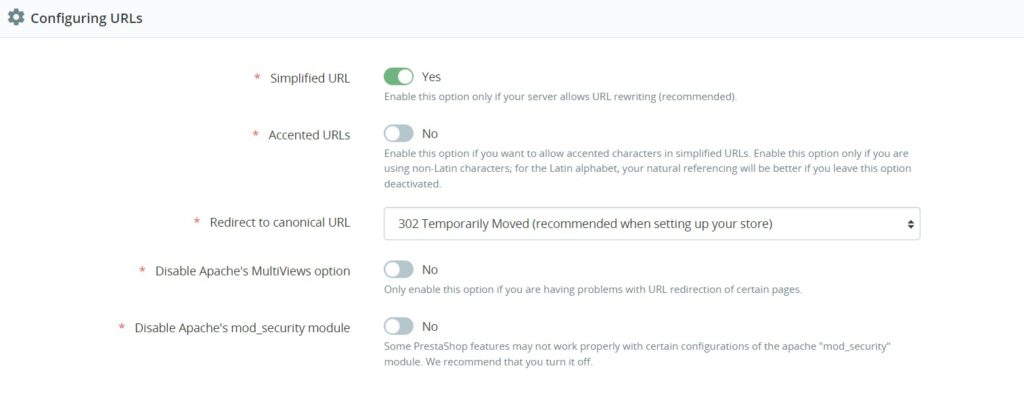
- To fix this, we need to regenerate .htaccess by disabling and enabling “Friendly URL” in our prestashop backend
- Login to PrestaShop Admin panel -> Shop Parameters > Traffic & SEO
- Select NO for “Friendly URL”, then click “Save” this settings.
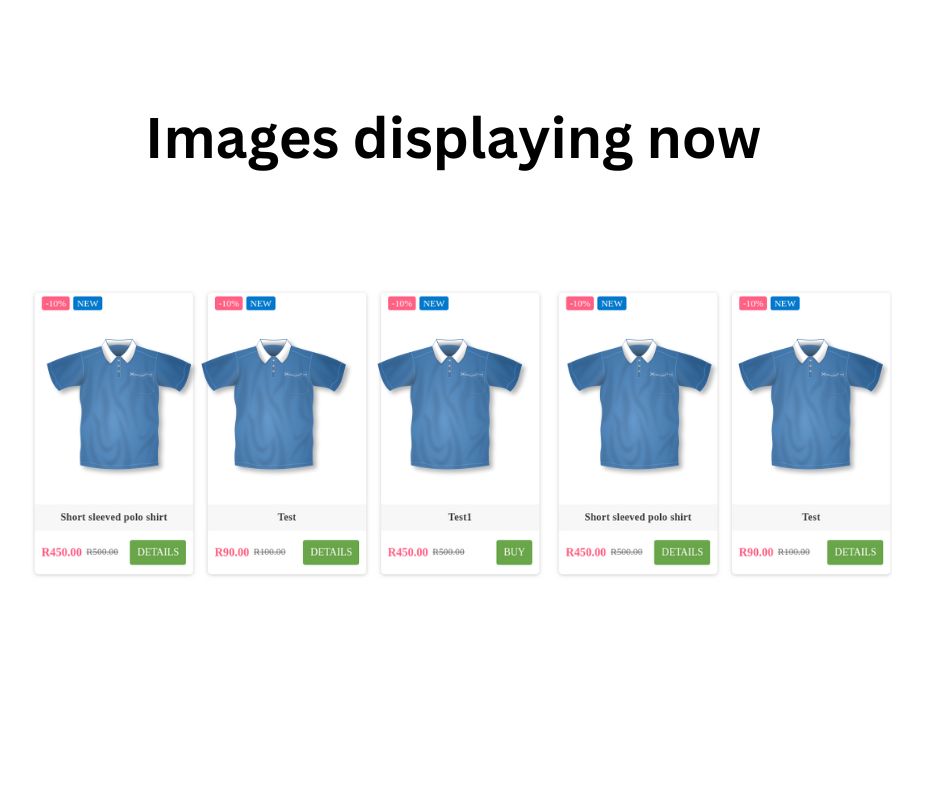
- Now images will work on product pages you can check in frontend .
- Lets set “Friendly URL” back to YES and click Save to re-enable SEO urls. Images will work now.
Happy to help !!
Matrixinfotec.com



I’m really loving the theme/design of your web site. Do you ever run into any internet browser cokmpatibility issues?
A number of my blog audience have complained about my site not operating correctly iin Explorer but looks
great in Firefox. Do you have any advice to help fix this issue?