 wordpress
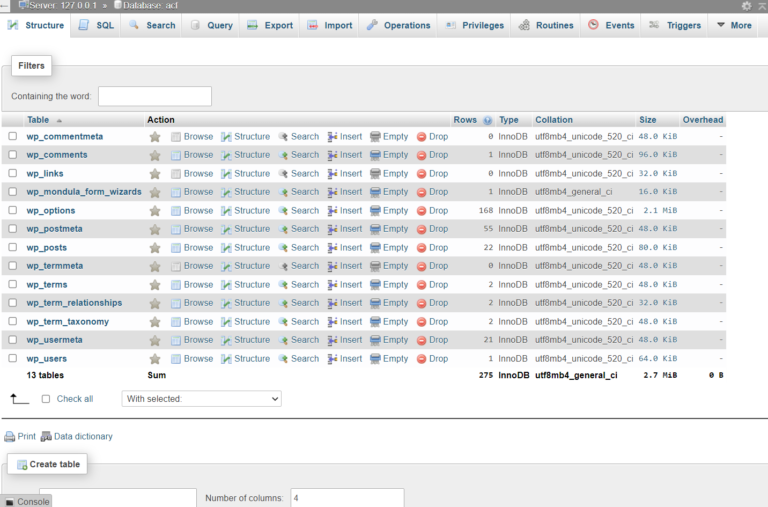
Easily Reset Your WordPress Password via phpMyAdmin in Minutes
Please follow the steps for change the password from database: Go to phpmyadmin – > open
wordpress
Please follow the steps for change the password from database: Go to phpmyadmin – > open
 Technology
Hello wp users if you want to change the wp-admin url according to you and protect your wordpress...
 woocommerce
WooCommerce allows you to add variations on the product level. However, you might have noticed that the maximum...
 woocommerce
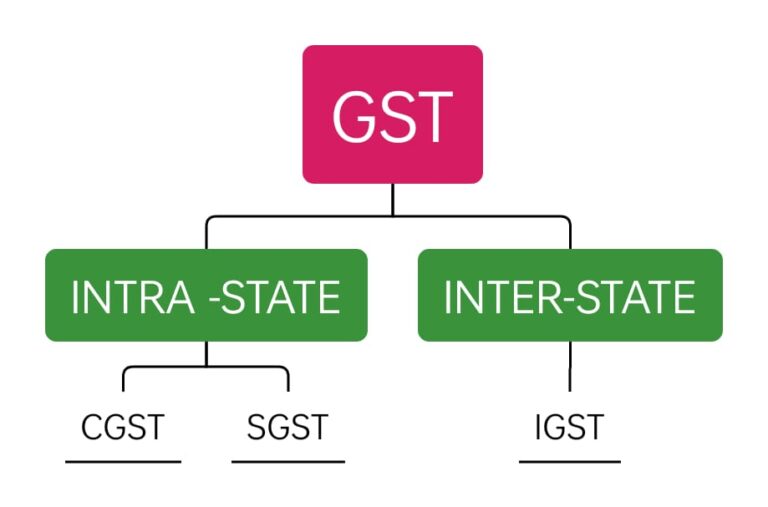
If you have a woocommerce store then you have to add GST taxes on products.So follow the...
