 wordpress
Easily Reset Your WordPress Password via phpMyAdmin in Minutes
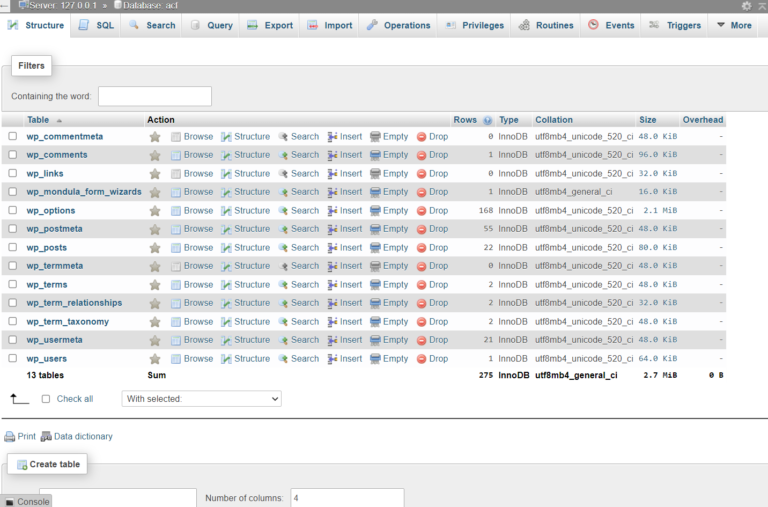
Please follow the steps for change the password from database: Go to phpmyadmin – > open
wordpress
Please follow the steps for change the password from database: Go to phpmyadmin – > open
 Technology
Hello wp users if you want to change the wp-admin url according to you and protect your wordpress...
 woocommerce
Want to add a sticky add to cart button on the bottom of the product page that will...
 Business
Looking to create your own business directory using WordPres free or paid plugins so let’s get started ....
 wordpress
With WordPress page builders, you don’t need any programming skills to customize posts /pages/product pages and more ....
 woocommerce
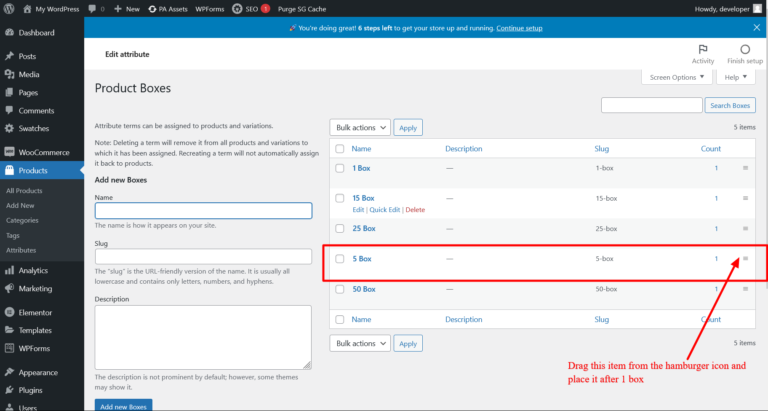
Have an issue with variations/attrbutes sorting order ? Let’s solve this issue in step by step: Click on...
 wordpress
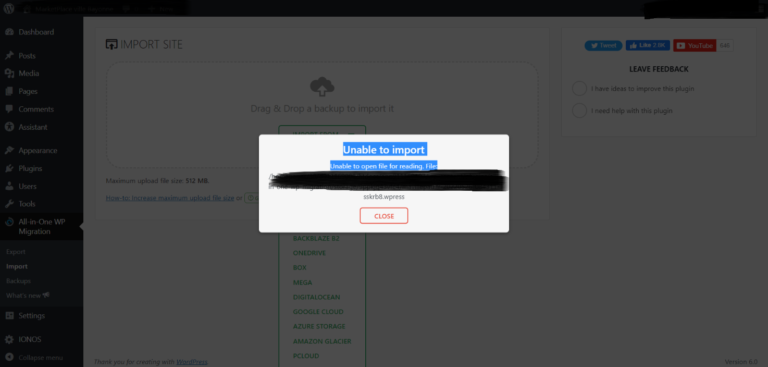
If you are migrating your website using the plugin ALL in one migration and stuck after 100% upload...
 wordpress
Migrate your website with one click ? How can we do that ? Follow these steps for one...
 woocommerce
WooCommerce allows you to add variations on the product level. However, you might have noticed that the maximum...
 Elementor
So let’s get started with how can we create overlapping sections in Elementor page builder follow the steps...
